Picture only · 3D not loaded yet
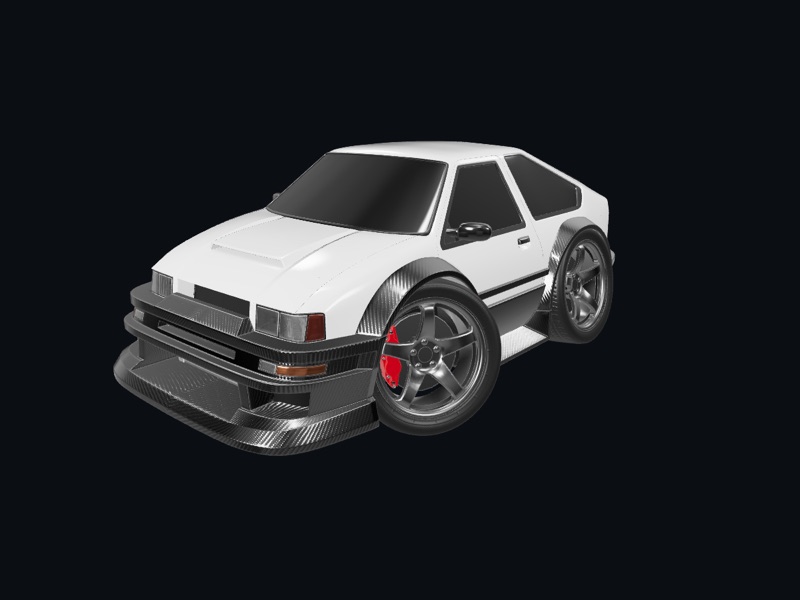
Cartoon Car
20 MBA 20 MB model. Nothing downloads until you ask for it.
A long product page with 3D viewers placed in it like images, not a full-screen app. Each viewer shows a poster until its 3D view starts, starts only when it scrolls near, and lets the page scroll over it. The range below waits for View in 3D, so nothing heavy downloads until a visitor asks. Try the motion and renderer settings on the hero, and open it fullscreen.
$9,499
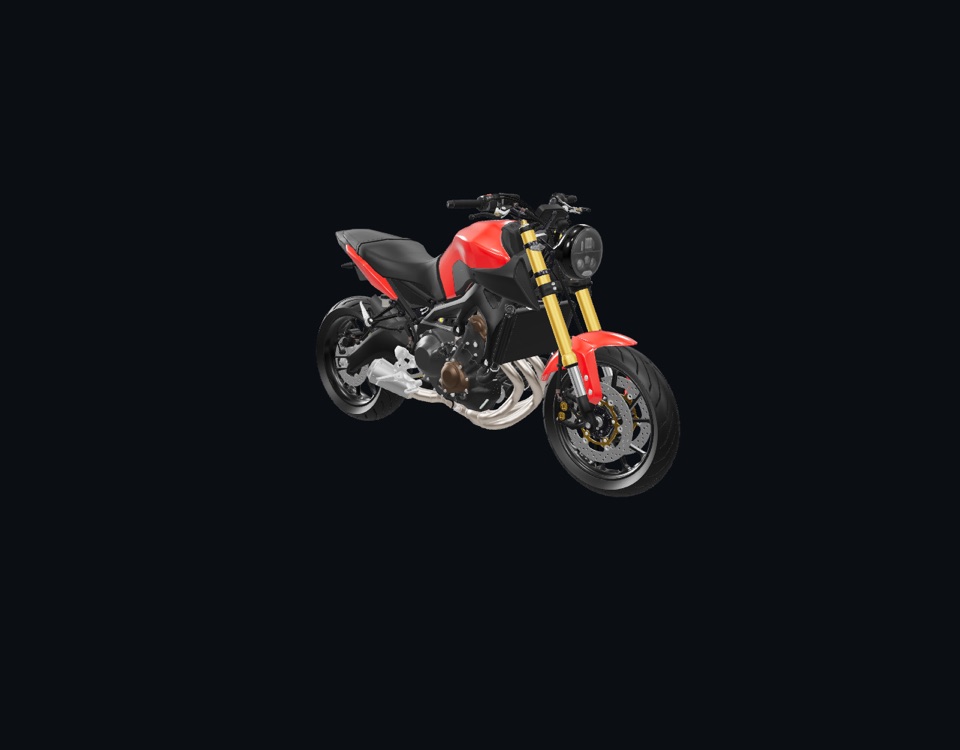
A three-cylinder street bike, ready to ride. Turn it around in 3D before you visit the shop.
Scroll over the bike to move the page. Hold Ctrl or ⌘ to zoom, drag to turn it, or open it fullscreen.
With reduced motion the auto-rotate stops and camera moves jump instead of gliding. WebGPU falls back to WebGL when the browser has no adapter; the line under the viewer says which one draws.
Every viewer shows its poster image straight away, then fades to 3D once the model is drawn. Visitors never look at an empty box.
loading="lazy" starts a viewer when it comes within about 200px of the screen. Off-screen viewers stop drawing, and browsers only allow about 16 WebGL views per page.
With pageScroll the wheel and vertical swipes scroll the page. A sideways drag turns the model and two fingers zoom.
The range · reveal="interaction"
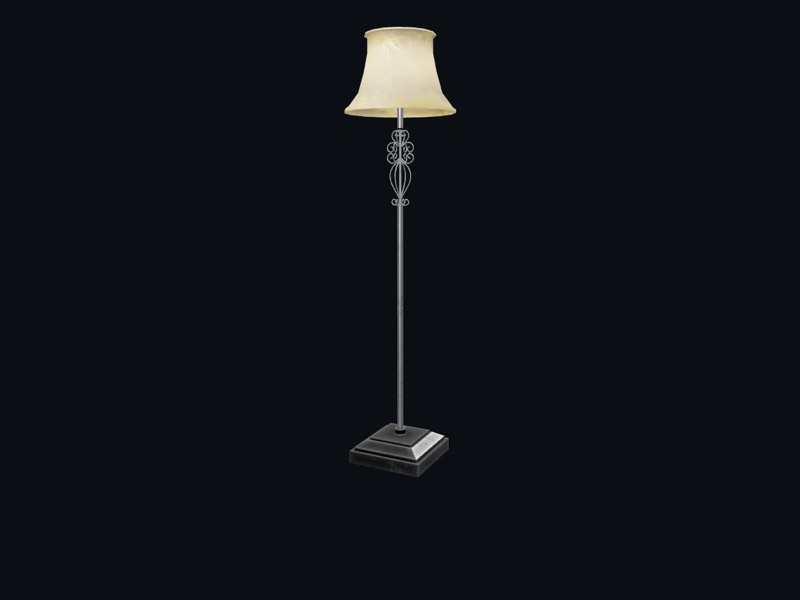
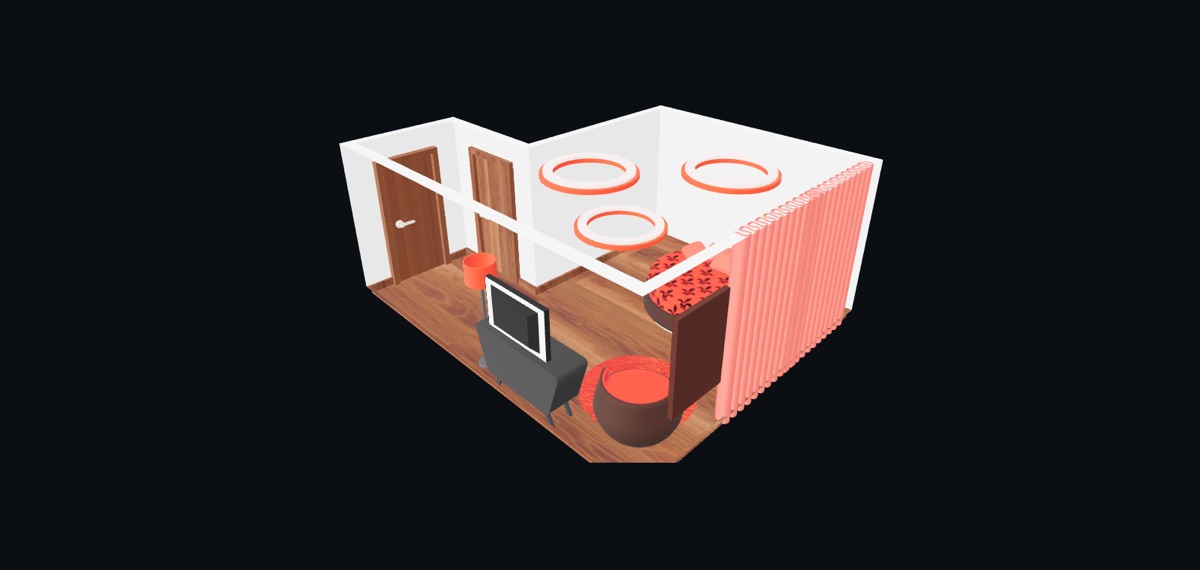
These cards keep their poster and a View in 3D button. Nothing downloads until it's pressed, so a grid of heavy models costs no more than a grid of images.
A 20 MB model. Nothing downloads until you ask for it.
Small and quick, but it still waits for a click.
Each card is its own viewer, sharing the page's 3D budget.
Below the fold · loading="lazy"
No button this time: the default reveal="auto" starts the view on its own, but only once it's close to the screen. Scroll back up and the hero keeps its view while there's room.